Google Business Profile questions, answered
Most Google Business Profile problems come from a handful of questions that Google's help pages answer, just not in one place. Here they are together, with the rule behind each answer and a link to Google's own page.

By Nouman Sabir, AI search & SEO specialist
Updated · 5 min read

The short answer
- Don't add keywords to your business name. Google's guidelines say unnecessary information in the name isn't permitted; put keywords in services, the description and posts.
- If you don't serve customers at your address, remove it and set up to 20 service areas, kept within about two hours' drive of your base.
- There should be only one profile per business per location. Remove duplicates carefully, because removing a profile also removes its content and managers.
- Moving? Update the address on your existing profile instead of creating a new one.
Keywords and your profile
How do I add keywords to my Google Business Profile?
Not in the business name. Google's guidelines say including unnecessary information in your business name isn't permitted, and give the example that "Equinox near SOHO" is not acceptable. Keyword-stuffed names are a common cause of suspensions; see suspended profiles. Keywords belong in:
- Categories: the strongest relevance signal you control; see how to choose categories
- Services: every service you offer, with a short description in plain language
- Description: what you do and where, written for customers, within the 750-character limit
- Posts and photos: regular updates about real jobs and offers
- Your website: the page your profile links to should match what the profile says
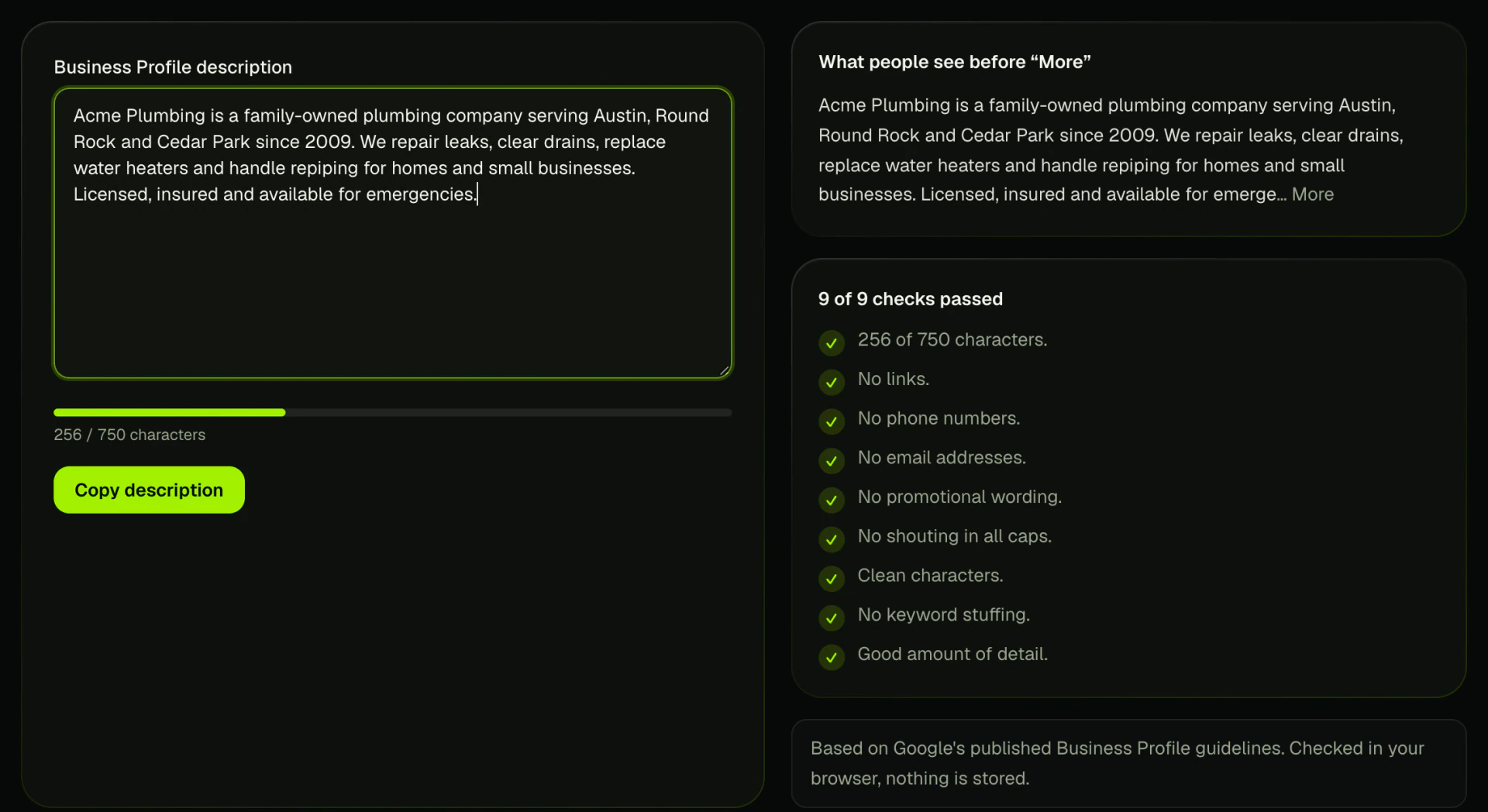
Run yours through the description checker before you paste it in.
Address and service areas
Can I have a Google Business Profile without an address?
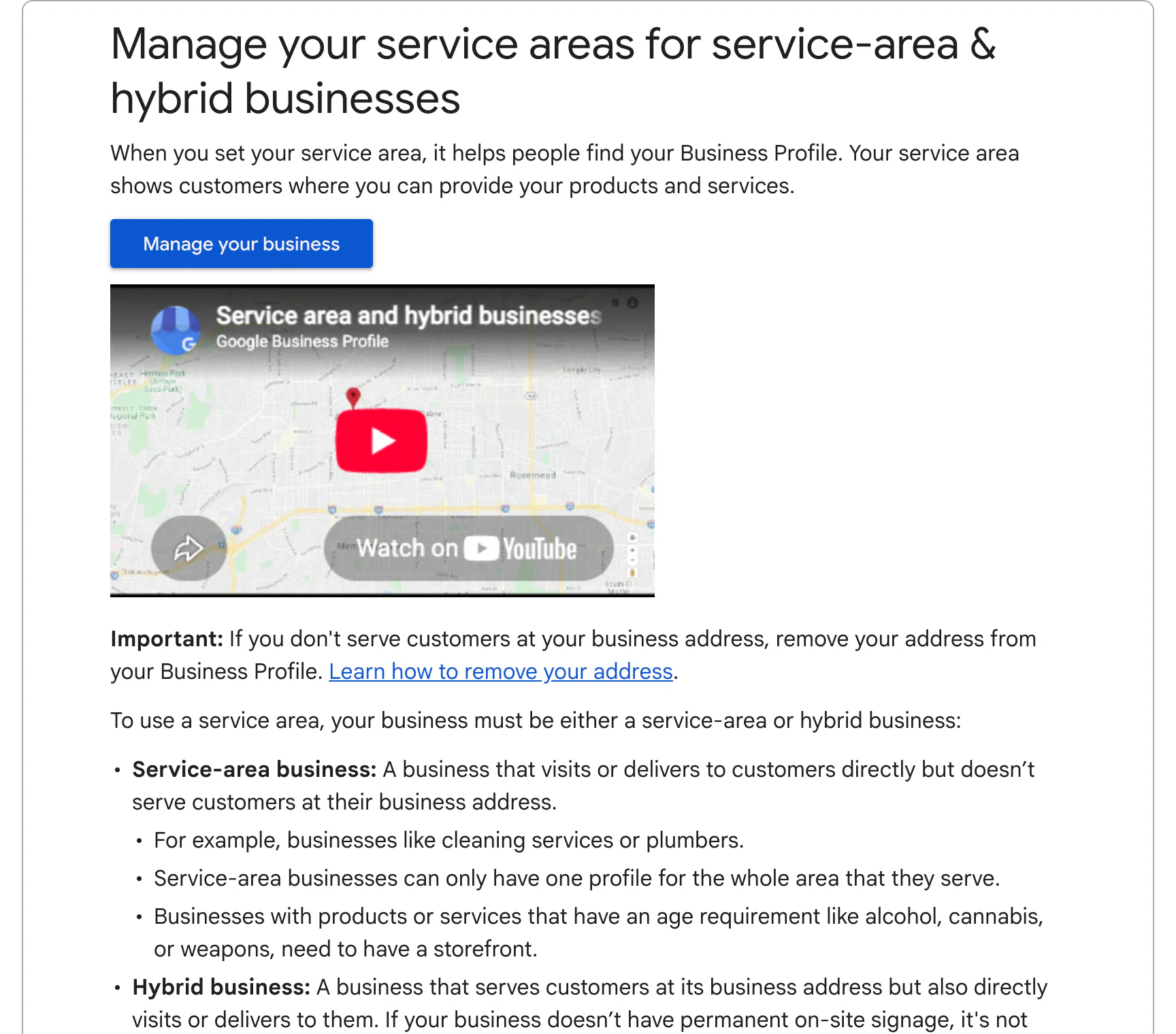
Yes, if you go to customers instead of them coming to you. Google's help says that if you don't serve customers at your business address, you should remove it from your profile and set a service area. Hybrid businesses that also serve customers at their location keep the address and add service areas.
How many service areas can I add?
Up to 20, set by city, postal code or other area, not as a radius. Google says the overall area shouldn't extend beyond about two hours' driving time from where your business is based. Service areas don't guarantee you'll rank everywhere in them; distance still matters.
Can I use a virtual office or mailbox address?
No. Google's guidelines say a business that rents a mailing address but doesn't operate from it, a virtual office, isn't eligible for a Business Profile at that address, unless it's staffed during business hours.
Duplicates, ownership and access
What if my business has two profiles?
Google's guidelines say there should only be one profile per business at each location. If you created a duplicate by mistake, you can remove it, but Google warns that removing a profile also removes its content and linked managers, so check which one has the reviews before you delete anything. If both are verified or you're unsure, Google's duplicate profile help walks through the options, including reporting a suggestion on Maps to merge them.
Someone else owns my profile. How do I get it back?
Request access from the profile on Google. The current owner is notified and has a few days to respond; if they don't, Google may let you verify and take over. Ex-employees and old agencies are the usual cause, which is why the profile should always be owned by an account the business controls.
How do I give my marketing agency access?
Add them as a manager from the profile's people and access settings. Keep yourself as the primary owner. Never share your Google password.
Moving, renaming and other changes
We moved. Do I need a new profile?
No. Google's help says not to create a new profile for the new location; update the address on the existing one so you keep your reviews and history. Expect Google to review the change and possibly ask you to verify again.
Can I change my business name?
Yes, if your real-world name changed. Update signage and your website at the same time so Google can confirm it. Name edits often trigger a review.
Why isn't my profile showing on Google?
The usual reasons: it isn't verified yet, it's under review after an edit, it's suspended, or it's ranking but not for the search you tried. Search for your exact business name first. If it appears there, the problem is ranking; my guide to ranking higher on Google Maps covers that. If not, start with verification.
How do I get a link for customers to leave a review?
Use the share review link in your profile, or build one from your Place ID with the review link generator. How to get more Google reviews has the scripts.
Closing or selling the business? See how to delete a Google Business Profile for which option keeps your reviews. For everything else in order, use the local SEO checklist.
Frequently asked questions
Can I put keywords in my Google Business Profile name?
No. Google's guidelines don't permit unnecessary information in the business name. Use categories, services, the description and posts instead.
How long can a Google Business Profile description be?
Up to 750 characters. Write for customers, and avoid links, phone numbers and promotional claims.
How far can my service area go?
Google says up to about two hours' driving time from your business, with up to 20 service areas set by city or postal code.
Can I have two Google Business Profiles for one business?
Not for the same location. Separate locations that serve customers can each have one profile.
Does editing my profile affect rankings?
Edits to the name, address or category can trigger a review and sometimes re-verification. Make those changes only when something real has changed.
Sources
- Guidelines for representing your business on Google, Google Business Profile Help
- Manage your service areas for service-area and hybrid businesses, Google Business Profile Help
- Resolve duplicate profiles and ownership issues, Google Business Profile Help
- Edit your Business Profile, Google Business Profile Help
Written by Nouman Sabir
Nouman Sabir is an AI search and local SEO specialist with 5+ years of hands-on work across 100+ websites, from contractors and law firms to SaaS and Shopify stores. He is Top Rated on Upwork with a 100% Job Success Score and 44 client reviews. Everything here comes from client work he has done or data he pulled himself.